Signs Glare Is Straining Your Eyes And How To Fix It
Glare can strain your eyes long before a screen becomes hard to read or a room feels painfully bright. The early clues often seem minor, like squinting at a clean display or needing a few extra seconds to focus on someone across the room.

These symptoms can come from fatigue, dryness, or an uncorrected vision problem. Some of them are eye exam warning signs that call for professional attention, so changes that persist or get worse deserve a conversation with an eye care provider.
In this article, we will explore five common signs that glare may be straining your eyes, along with practical changes to your workspace and habits. We'll also explain when it's time to stop adjusting your setup and book a professional exam.
No. 1
Why Glare Matters More Than You Think
Glare happens when bright light reflects off a surface or enters your eyes from an angle that makes it harder to see. Your visual system works harder to compensate, and that effort can build up over a long day.
Common Sources of Glare
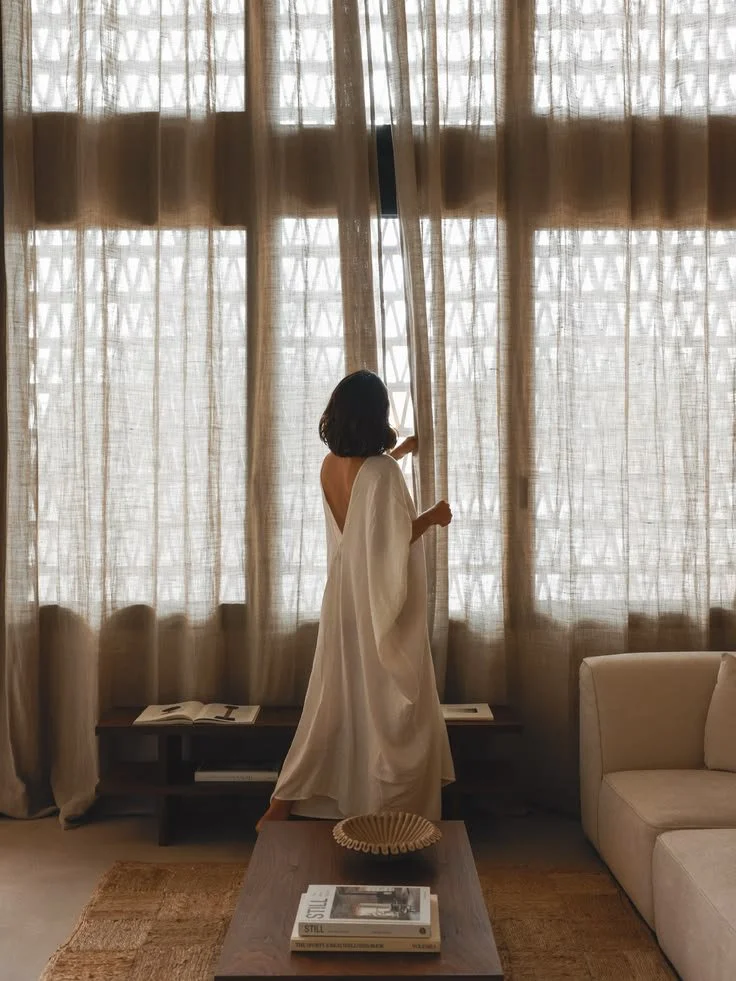
Sunlight from windows hitting your screen or desk
Overhead fluorescent or LED fixtures
Glossy monitors, phone screens, and tabletops
Displays set much brighter than the surrounding room
Reflective surfaces outdoors, such as water, snow, or pavement
Noticing when your discomfort starts is one of the most useful things you can do. It helps you adjust your environment and take breaks at the right times.
No. 2
Persistent Squinting at Clear Displays
Squinting briefly sharpens vision by limiting scattered light, so many people do it without realizing it. If a clean laptop screen looks clear in the morning but has you narrowing your eyes by midafternoon, brightness and reflections may be overworking your eyes.
Why It Happens
Light conditions change throughout the day, but most people never adjust their screen settings to match. A display that seemed comfortable at 9 a.m. can feel harsh once the sun moves or the overhead lights take over.
How to Adjust Your Screen
Check your screen from the seat you normally use. A bright window, glossy desk, or overhead fixture can create reflections that you won't notice from another angle.
Lower the display brightness until it roughly matches the room around you.
Increase the text size if you find yourself leaning forward to read.
Tilt the screen slightly to move reflections out of your line of sight.
Clean the display regularly, since smudges scatter light and add to the glare.
Regular breaks can also ease the constant focusing effort that comes with close work. Even short pauses help your eyes reset.
No. 3
Sudden Headaches Around Noon
A headache that shows up at roughly the same time each workday may point to something in your environment. Identifying the pattern is the first step toward fixing it.
Common Triggers
Morning sunlight gradually shifting across your screen
Fluorescent lighting that becomes harder to tolerate after several hours
A display set too bright, which builds discomfort over time
Long stretches of focused work without a break
Track Your Symptoms
Keep a simple three-day record of the time, your location, and the task you were doing when the headache started. Note whether the pain eases during lunch away from your desk.
Then test one change at a time so you can tell which one helps. Try closing a blind, turning the monitor so it sits perpendicular to the window, or switching off a nearby lamp.
When to Seek Medical Advice
Talk to a healthcare provider about severe, sudden, or recurring headaches. Get emergency care right away if a headache comes with vision loss, confusion, weakness, or other unusual symptoms.
No. 4
Adding Optical Barriers to Your Kit
Changing your environment should come first, but that isn't always possible in shared offices, classrooms, or public spaces. In those settings, physical barriers between your eyes and the light can help.
Practical Options
A matte screen filter to cut reflections on monitors and laptops
A brimmed hat to block overhead sunlight outdoors
Polarized sunglasses for driving or time spent near water and snow
Light sensitivity glasses with tinted lenses designed for harsh lighting
People who feel discomfort around screens, fluorescent lights, or bright daylight may want to look into specialized light sensitivity glasses. These lenses are designed for difficult lighting rather than general sun protection.
Choosing the Right Tint
Lens color and density affect people differently, so don't assume the darkest option will be the most comfortable. Start with a tint suited to the setting where your symptoms happen.
Make sure the tint doesn't interfere with your ability to see colors accurately. That matters most for tasks like design work, reading charts, or driving.
Use Sunglasses Indoors With Caution
Sunglasses shouldn't become your default indoors without guidance from an eye care provider. Spending long periods in darkness may make normal indoor light feel even harder to tolerate.
No. 5
Difficulty Refocusing Across the Room
After an hour of reading small text, your eyes may need a moment to shift focus from the screen to something farther away. Frequent delays, blur, or discomfort can mean close-up work is demanding too much sustained effort.
Try the 20-20-20 Habit
The 20-20-20 habit is an easy reminder to rest your eyes. About every 20 minutes, look at something roughly 20 feet away for 20 seconds.
The exact numbers matter less than relaxing your near focus on a regular basis. Setting a timer or using a break reminder app can help the habit stick.
Set Up Your Workstation
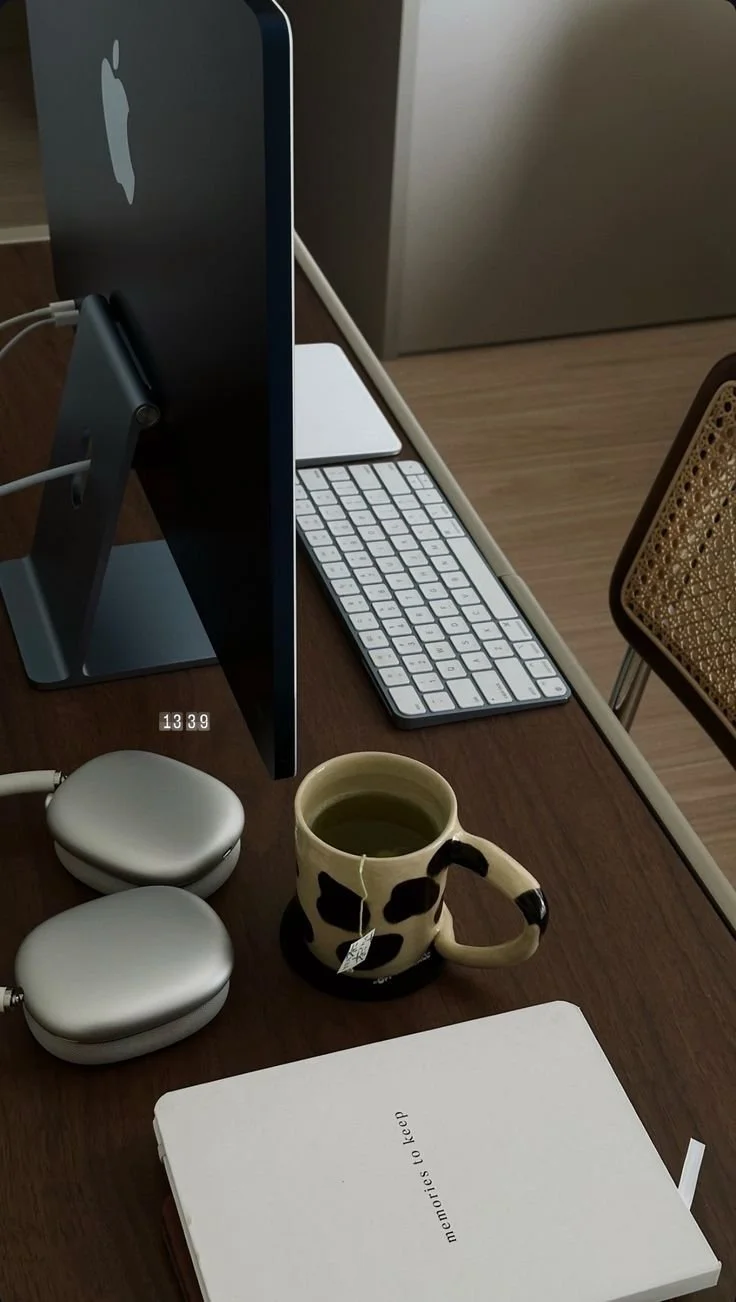
Place the monitor about an arm's length away.
Keep the top of the screen at or slightly below eye level.
Position documents you're reading next to the screen, at the same height.
Use a chair height that lets you look straight ahead without craning your neck.
When to Schedule an Eye Exam
Book an eye exam if the blur doesn't go away after a break or affects one eye more than the other. The same applies if it starts to interfere with driving or reading.
No. 6
Dryness That Eye Drops Can't Fix
People tend to blink less often and less completely during focused screen work. That lets the tear film on the surface of the eye evaporate faster.
What Makes Dryness Worse
Air conditioning and heating vents
Desk fans and other direct airflow
Low humidity, especially during winter
Long contact lens wear times
Lubricating drops can provide temporary relief. However, they can't make up for a workstation that keeps blowing dry air toward your face.
Practical Fixes
Redirect airflow away from your desk, and practice full, gentle blinks during breaks. A humidifier may help in a very dry room, but it needs regular cleaning to stay sanitary.
Advice for Contact Lens Wearers
If you wear contact lenses, follow the replacement schedule your provider recommends. You can also ask whether shorter wear times would make sense for your routine.
When to Get Evaluated
Dryness that continues despite these changes may have another cause. Arrange an evaluation if you notice ongoing pain, significant redness, discharge, strong light sensitivity, or changes in your vision.
A short log of when the discomfort starts and what makes it better can make that appointment more productive. It gives your provider concrete patterns to work with.
No. 7
Warning Signs That Need Professional Attention
Many glare-related symptoms improve with simple adjustments. Others call for an eye care provider, no matter how well you've optimized your workspace.
Contact a Provider If You Notice
Blur that doesn't clear up after resting your eyes
Vision changes in one eye but not the other
Ongoing eye pain, redness, or discharge
Strong light sensitivity that's getting worse
Trouble seeing well enough to drive or read comfortably
Seek Urgent Care If You Experience
Sudden vision loss, even if it's partial or temporary
A severe, sudden headache with vision changes or confusion
A sudden increase in floaters or flashes of light
Takeaways
Glare often strains your eyes well before a screen becomes unreadable, showing up as squinting, regular headaches, or slow refocusing. Spotting these early signs helps you fix the cause before the discomfort builds.
Start with environmental changes like adjusting screen brightness, repositioning your monitor, and redirecting airflow. Screen filters and tinted lenses can help when you can't control the space, but choose tints carefully and avoid wearing sunglasses indoors by default.
Track when your symptoms begin, and test one change at a time to find the specific source of glare. If blur, dryness, or headaches persist or get worse, schedule an eye exam to rule out an underlying problem.
Looking for wellness resources?
Are you looking to enhance your wellness routine? Explore our wellness partners who offer a wide range of resources to support your journey toward holistic living and well-being.